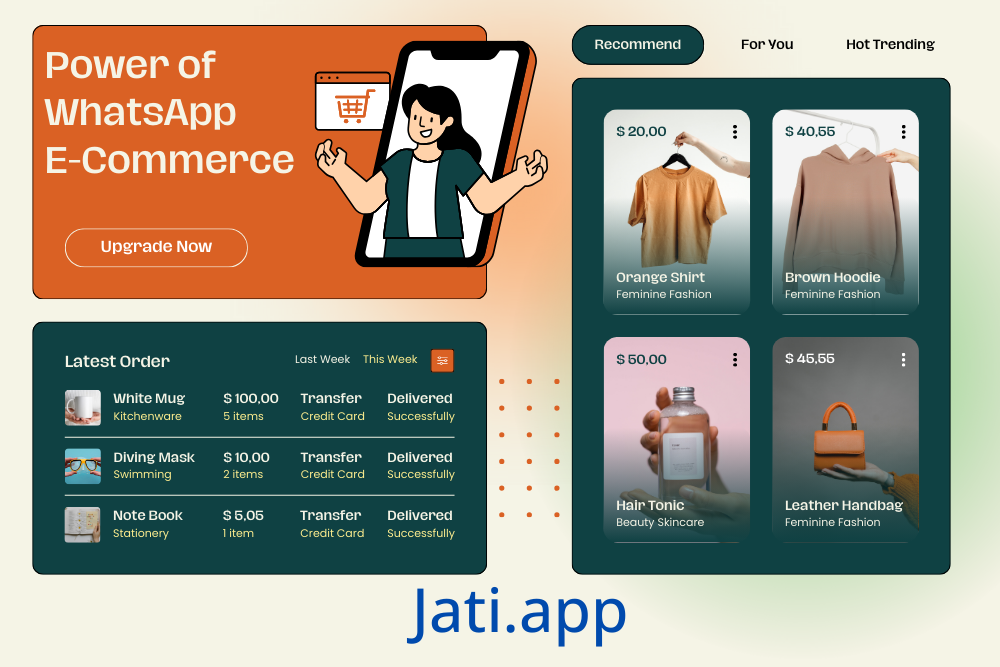
How to use Jati.app
Jati.app Setup & Operation Manual
Your master blueprint to launching smart digital networking cards and high-converting automated WhatsApp storefronts.
⚠️Community & Safety Guidelines
To maintain a safe environment for global sellers and buyers, Jati.app enforces rigorous compliance frameworks. Infractions will lead to immediate service suspension.
👤1. Onboarding & Registration
Instant Google Sign-Up
The fastest, secure system-recommended onboarding pathway.
- ക്ലിക്ക് ചെയ്യുക"Continue with Google"
- Authenticate via preferred Google Account
- Instant redirect to active Dashboard
Manual Profile Creation
For managing your accounts via standard login credentials.
- Input full legal name & corporate email
- Provide WhatsApp mobile number (+60 format)
- Pass reCAPTCHA safety validation check
📊2. Navigation Control Center
Your main administrator interface tracks performance metrics, client appointments, and incoming leads natively:
💳3. Building Interactive vCards
Convert passive visitors into active inquiries by configuring an optimized corporate landing identity profile.
(jati.app/yourname).🛍️4. Structuring a WhatsApp Storefront
The Store module allows you to build out a structured digital catalog where customer checkout inputs redirect straight to your personal WhatsApp chat window.
A. Identity & Rules
Establish local base currency parameters (e.g., RM for Malaysia), fill in business hours, link the order intake number, and populate shipping, return, and privacy text layers.
B. Catalog Architecture
Map custom navigation categories. Upload detailed listing images, regular values vs promotional sale pricing, and organize elements for rapid consumer exploration.
C. Fulfillment Tracking
Configure logistics preferences (Self-Pickup, Standard Mail) and set structural invoice prefixes to safely automate financial document storage.
⚙️5. Operational Administrative Actions
Maximize performance by utilizing system administrative command shortcuts natively attached to each card or store item link: